Keep your team connected when problems happen.
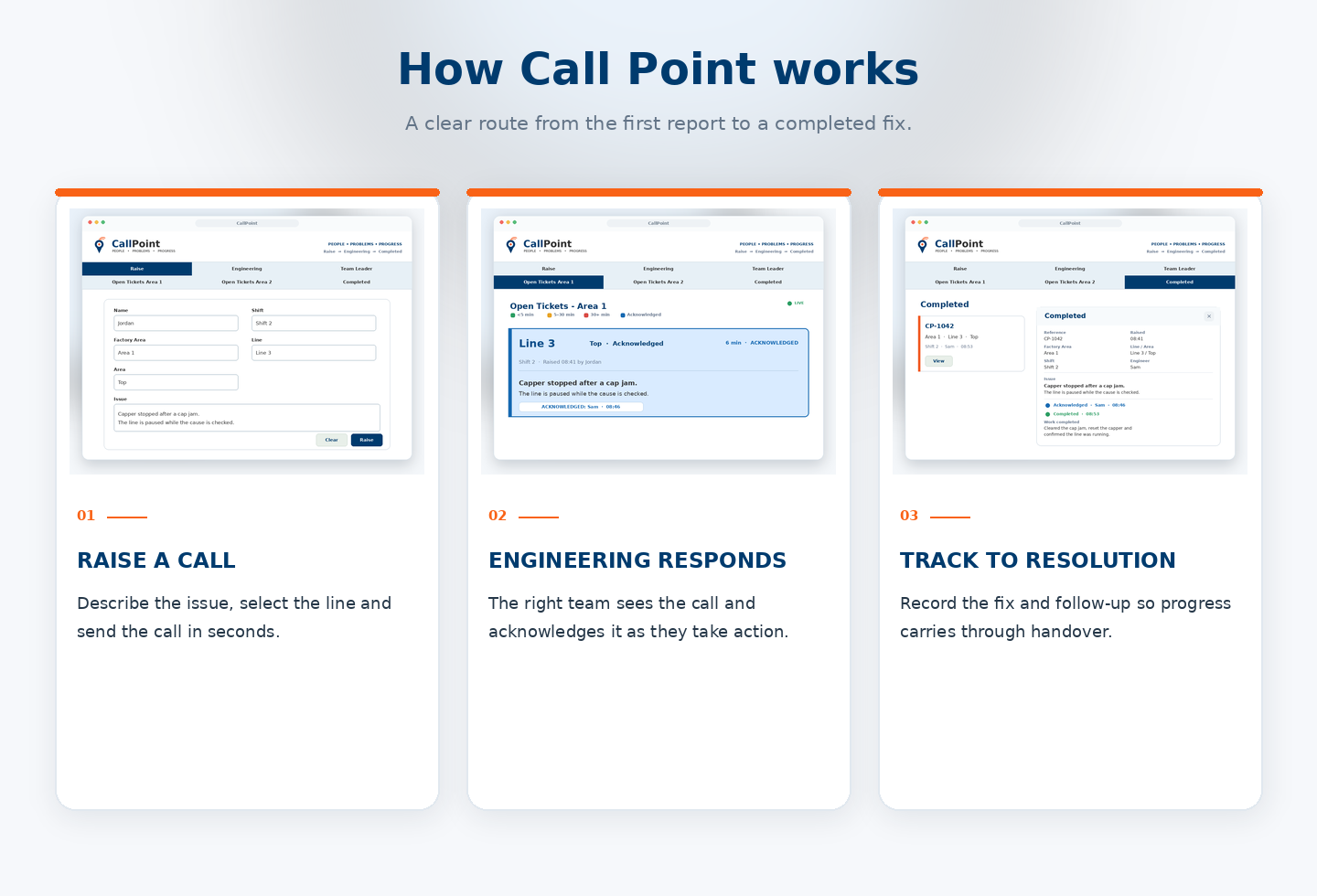
Call Point makes it easy to report issues, call for support and follow progress — so everyone knows what needs attention and who’s responding.

Clear communication.
From problem to progress.
Report issues, call for support and keep your team informed. Call Point helps everyone see what needs attention, who’s responding and how work is progressing.
Purpose-Built Technology, Tangible Data Reports and Clear Job Mapping.
Start with the right checks

Before raising a call, operators can work through the relevant pre-engineering checks for their area. The completed checks are recorded with the call, giving Engineering useful context from the start.
Clear checks for each area and shift.
Engineering can see what’s already been checked.
The checks stay with the call through to resolution
A consistent process
Useful context
All in one place
Everyone can follow the call.
From the first report to the engineer’s update and final handback, the details stay with the job. Operators, Engineering and team leaders can see what’s happening and what still needs attention.